Open the ClouDNS website.
It should look like this:
Create an account on ClouDNS by clicking the Sign In button at the top.
Click the Sign Up New Account button.

Sign up with your information then click Sign Up.
Now you are signed up.
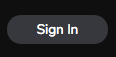
On the dashboard click the Add Zone button on the DNS zones box.
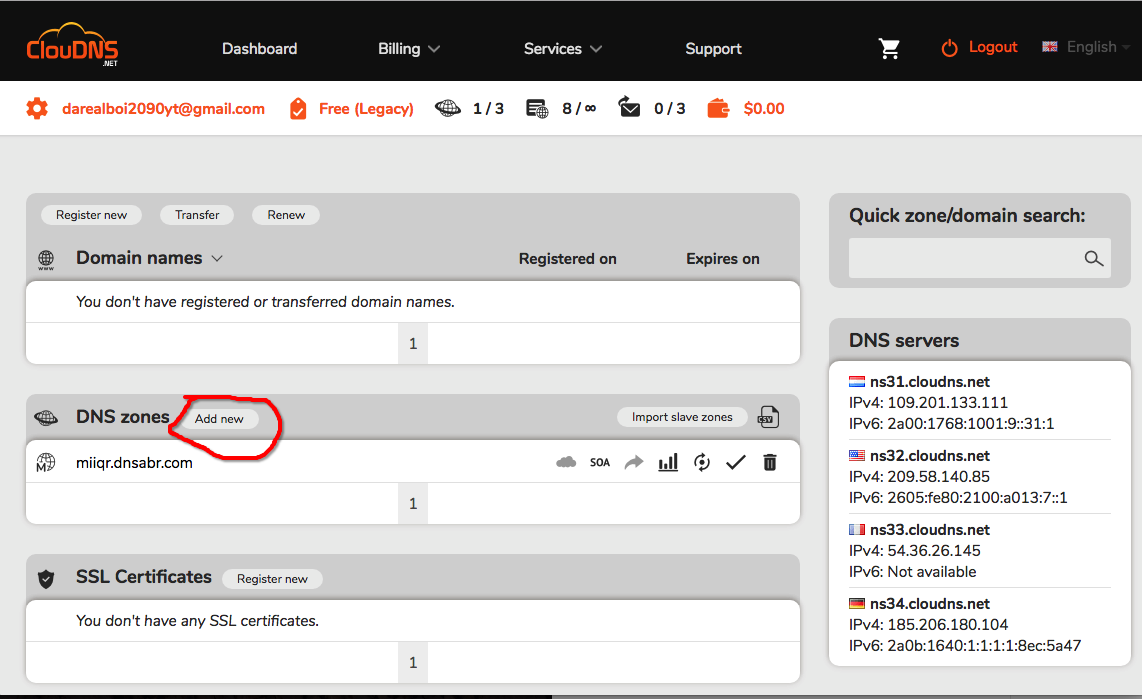
Click on free zone in the dialog that poped up
Now on the new dialog that poped up enter the domain name you want
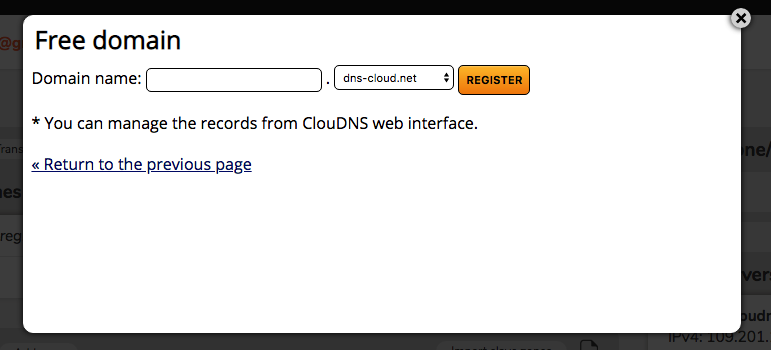
Once you done that, Click Register
You will be brought here:

Now head over to github
And open up your repository
Now click the New File button
Name the file CNAME ( With Caps )
Now enter what your websites domain was on ClouDNS
Mine was testdomain098.dnsabr.com
So in the file I enter testdomain098.dnsabr.com
Now click Commit New File
Now go back to ClouDNS
Now click Add New Record
A new dialog will popup
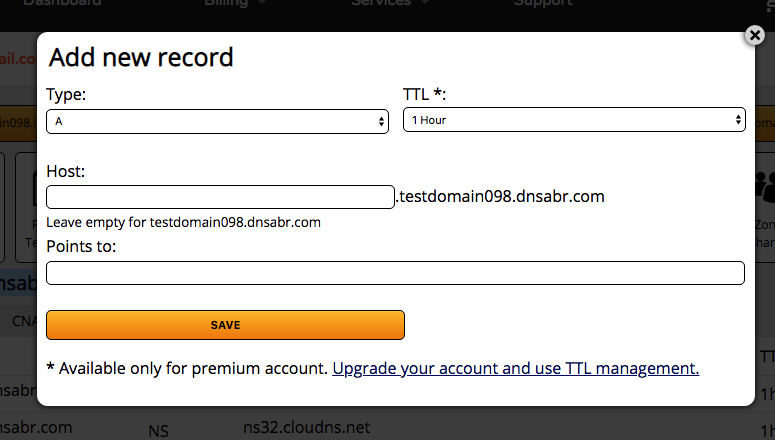
In the Points To field enter the following:
185.199.108.153
Then click save
Then add another record
And in this one enter 185.199.109.153 in the Points To field
Now add another record
And in this one enter 185.199.110.153 in the Points To field
Now add another record
And in this one enter 185.199.111.153 in the Points To Field
Now we can view our website
If you get the following error:
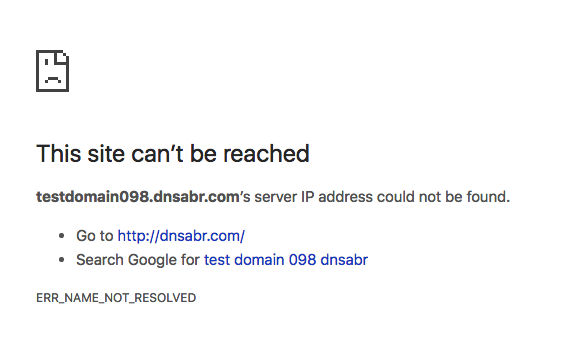
Then you must do all these steps again but make sure the domain is different or you'll get the error again.
Thanks for viewing. BYE!